

The briefing02
Stop downloading
someone else's war.
Every terrain box you have bought or file you have downloaded is someone else's vision, frozen in plastic. Bastion Terrain gives you the tools to design your own battlefield without you having to be a 3D designer yourself. Drag & Drop and create the tabletop landscape you and your friends want to fight on.
Buying expensive pre-made terrain that must be repurposed for every new mission
Design your battlefield and preview it exactly as it will look on the tabletop
Mixing and matching different STL files from different sources
A growing library of components to choose from
A folder of loose files called final_v3
Click. Drag. Resize. That's the whole process
Downloading, slicing, and hoping it prints properly
One merged, watertight, print-ready export pre-tested on 3D printers
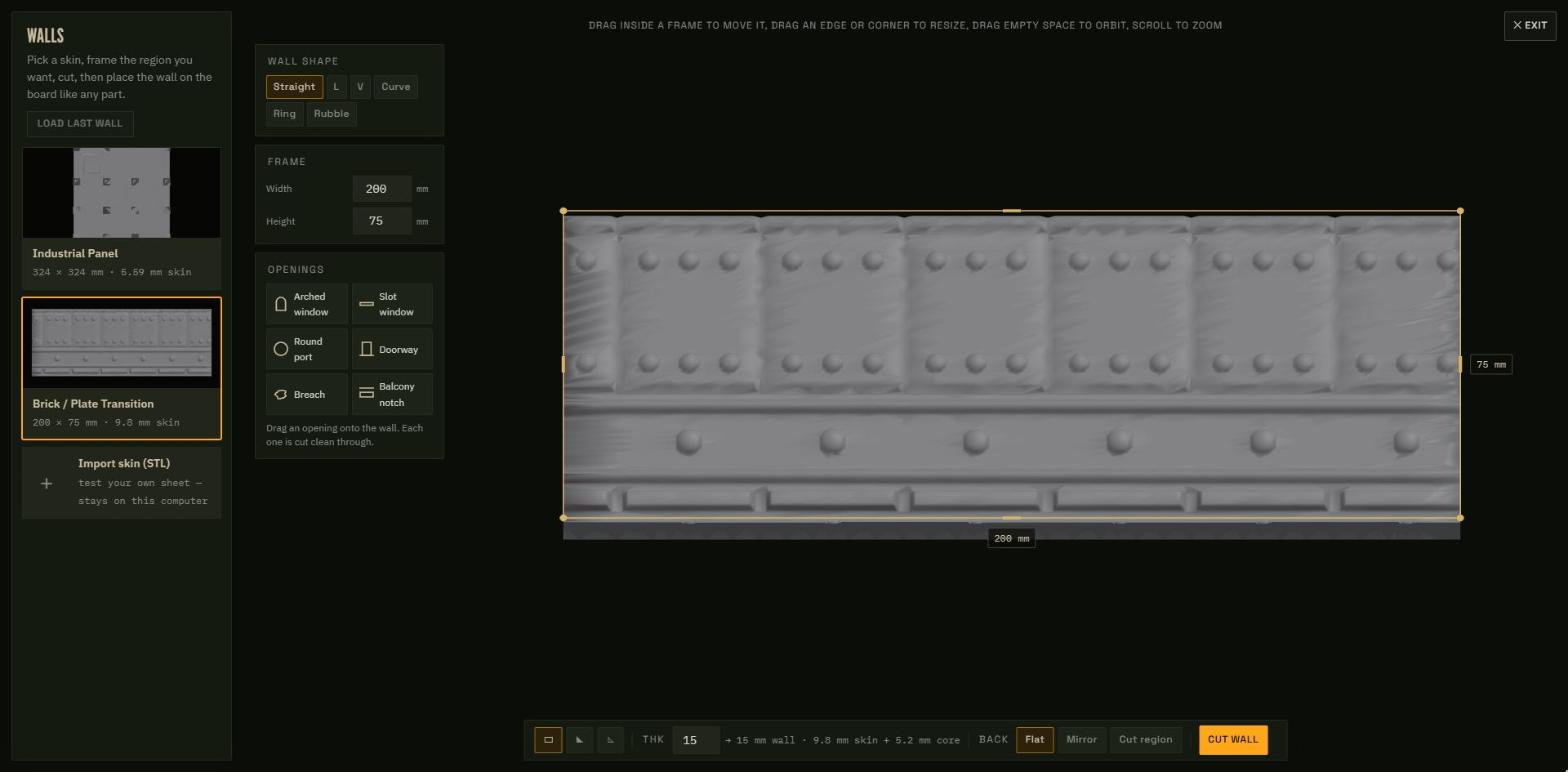
Other stores show you one asset at a time and leave you to imagine the battlefield. Bastion Terrain is a design platform built for anyone to use: a growing curated part library, an intuitive drag-and-drop layout tool, and print-tested output. See your entire battlefield assembled before you print a single piece.
Join our Discord for help with your printing and to build our community.
The machine03
An engine built for your browser.
A full board editor that runs where you already are: the browser. No installs, no plugins. This is the live build. Click the markers to see how it operates.
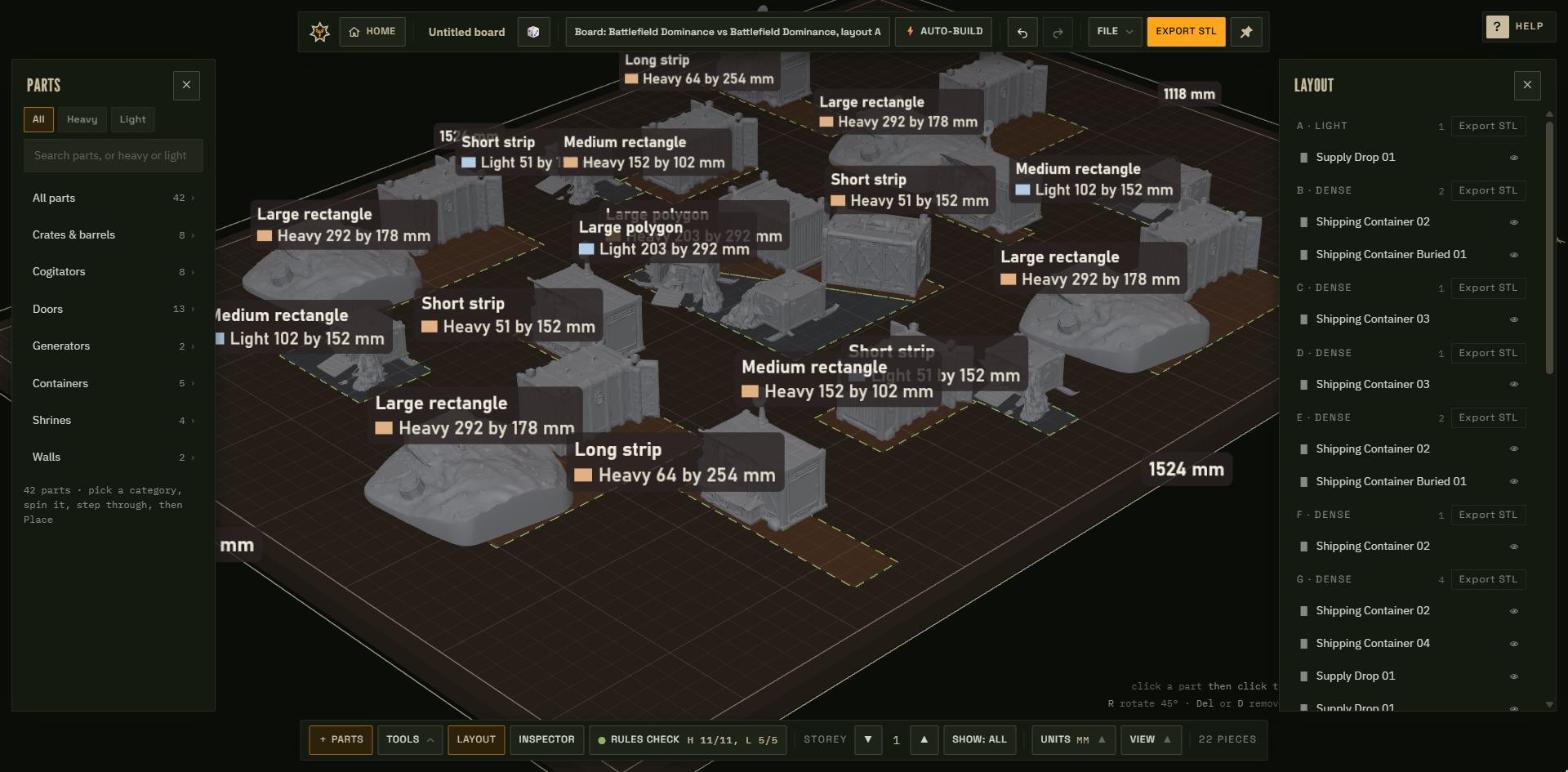
Name the build, save it as a file, load it back later. Boards are projects, not throwaways.
Warhammer 40k or Kill Team, tournament layout or custom table: the board arrives at the correct dimensions on the first click.
Drop a legal, meta-tested layout on the board in one click (correct footprints, correct density), then bend it to your table.
Dashed tournament footprints show where cover belongs: lettered zones lifted from real 40k and Kill Team layouts. Fill them yourself, or let Auto-build do it.
Every part in the Cache docks here. Search it, browse by category, then click a part and click the board. It snaps to the grid.
Grab any part, drop it anywhere, stretch it within print-safe limits. Everything snaps to the inch grid: if you can arrange miniatures, you can build terrain.
Step the build up a storey and keep placing: gantries, fighting floors, multi-level ruins. The board tracks every level.
The whole board, audited: every zone listed with what's inside, visibility toggles, and a per-zone STL export.
Any part's vitals on demand (exact millimetres, position, rotation, triangle budget), with rotate, duplicate and delete one click away.
The board is scored against tournament terrain rules as you build. Issues are listed, and one click fixes them.
Zoom, turn, fit-to-board: frame the battlefield however you work, and toggle the terrain-area overlays on or off.
The merge engine fuses your whole build into a single manifold STL. No boolean errors, no repair pass. Slice it and go.
Bastion Studio 2026-11 build. Live build, actual interface
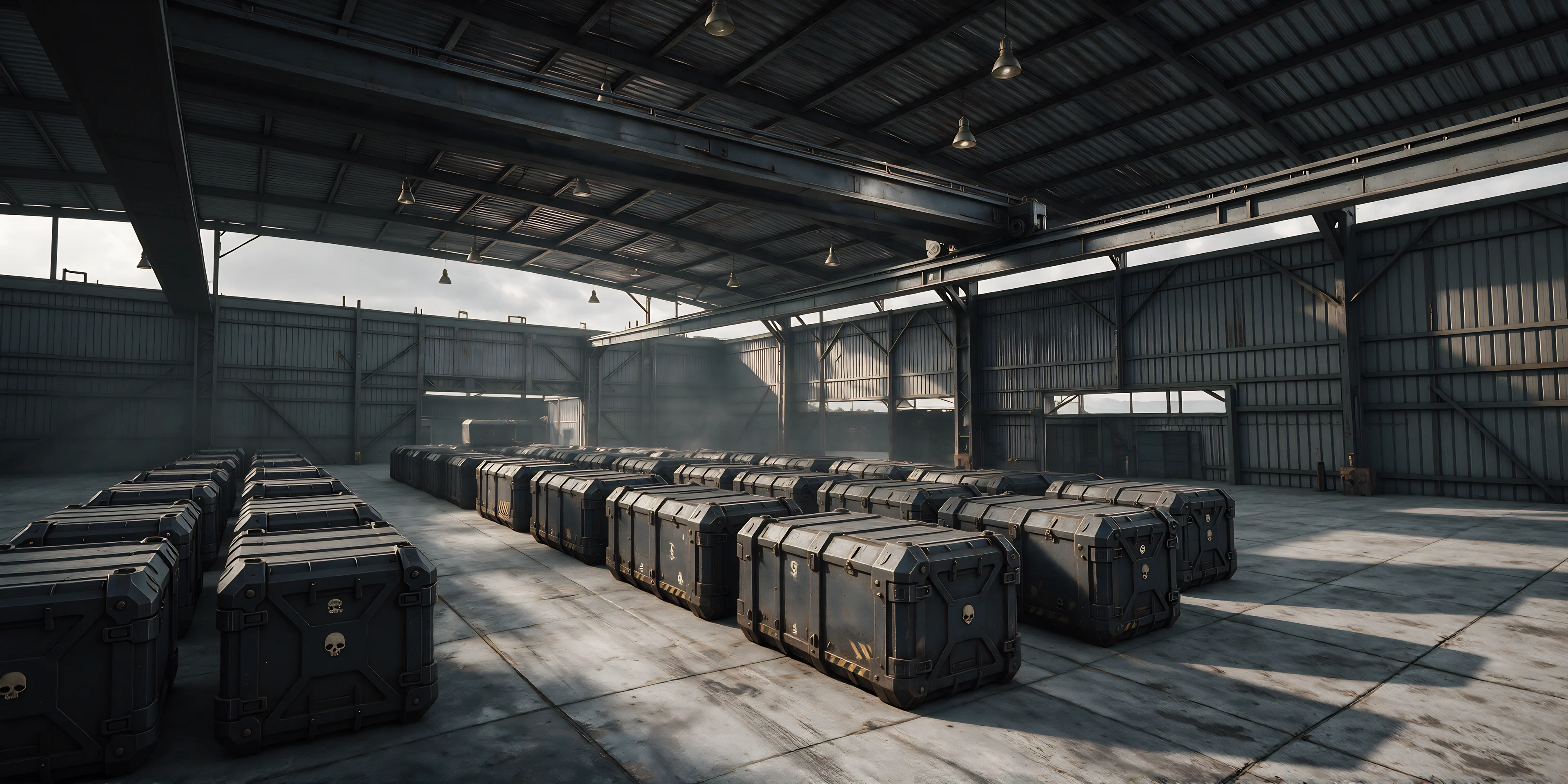
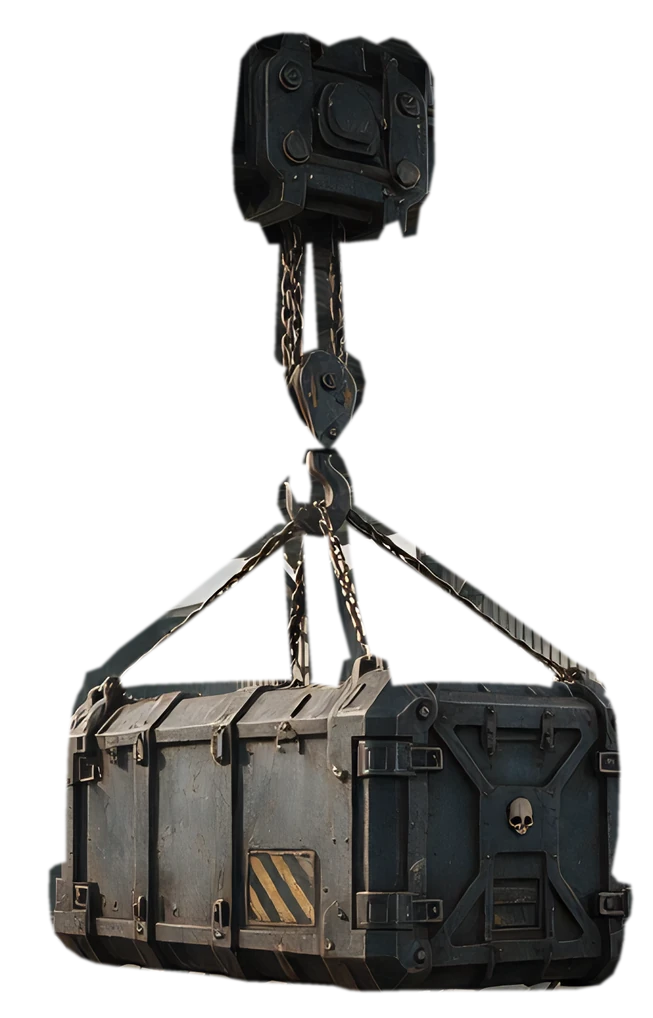
Haul the line: drag it, click a crate to open it
The dockside inventory: 15 majors
World skins: theatres of war05
The Maelstrom holds our worlds.
Ten theatres of war wait beyond the veil; four open at launch. The Navigator has the helm. Proceed to translation
Hold course, keep scrolling
Requisition06
Founding prices, locked for the muster roll
Planned launch pricing. The muster roll hears first
Free01
£0- Full access to the board editor
- Preview any build in the browser
- A limited catalogue to build with
- Every game-size preset
- No board export
Monthly02
£9.99/mo- Everything in Free, plus board exports
- 1 board export per month
- Access to the full launch cache
- Cancel any time
Annual03
£49.99/yr- Everything in Free, plus board exports
- Unlimited board exports
- Access to the full launch cache
- Discount on DLC packs
DLC & tools
DLC terrain packs and additional tools will be available through the platform.
A board export is one full battlefield build. Cancel any time. Prices include VAT. Nothing is on sale yet: the muster roll is told the day the gates open.
The muster07
Join the muster roll.
The walls are going up. Leave your name and we tell you the day the gates open: the board editor, the first four worlds, and founding prices. Choose a call sign now and it is held for you until launch.
Muster roll
You are on the roll.
That call sign is held for you. We will write when the gates open so you can claim it.
This email is already on the muster roll. Nothing more to do; we will write when the gates open.
The signal08
Follow the campaign.
The engine is being built in the open. Five channels will carry the dispatches: pick your post and be there when the gates open.
Discord
The barracks. Build talk, print help, early world briefings and first word of every drop.
Mustering soonYouTube
The chronicle. Engine walkthroughs, speed-builds and tables fought from print bed to tabletop.
Mustering soonInstagram
The gallery. Painted castings, table shots and works in progress straight from the forge.
Mustering soonFacebook
The mess hall. Community musters, event calls and launch dispatches for the long march.
Mustering soonTikTok
The vox feed. Sixty-second cuts: print timelapses, paint jobs and first blood on the table.
Mustering soonChannels open at launch: join the muster roll to be told first.